ACE IT KB
Home
Docs
ITGuidance POS System (ITGPOS)
Stock Online (Backend Inventory)
~ Login in StockOnline Back End
~ Login in StockOnline Back End
To Login:
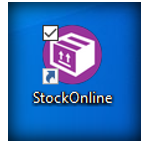
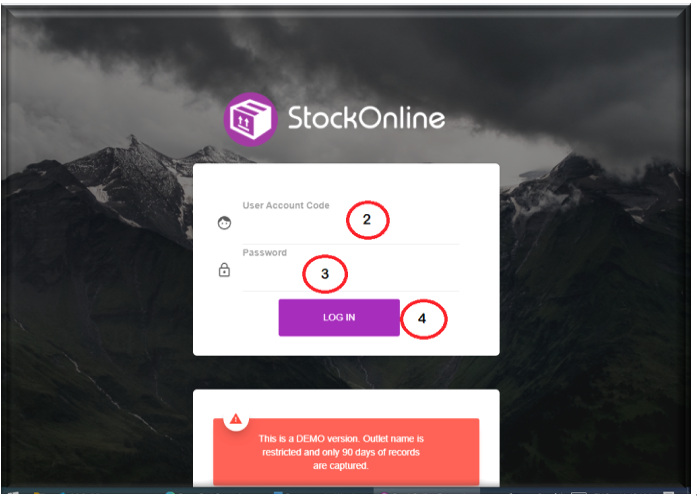
Click on StockOnline icon available on your desktop to launch the system login interface.
Enter the user Account Code
Enter the Password
Click Log In
~ Understanding StockOnline Interface
What are your feelings
Share This Article:
Updated on November 30, 2023